Monitoring
6 guides tagged “Monitoring”.

Comparison8 ago 20267 min read
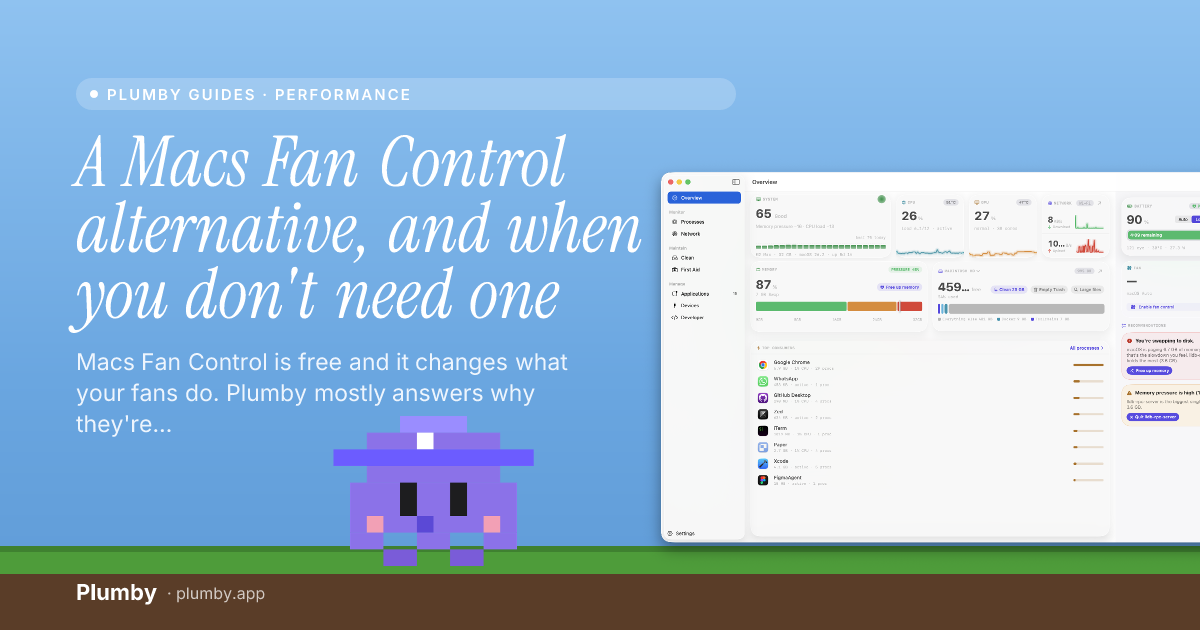
A Macs Fan Control alternative, and when you don't need one
Macs Fan Control is free and it changes what your fans do. Plumby mostly answers why they're doing it, with three fan settings instead of curves. Here's the honest split, including which one you actually want.

Performance8 ago 20268 min read
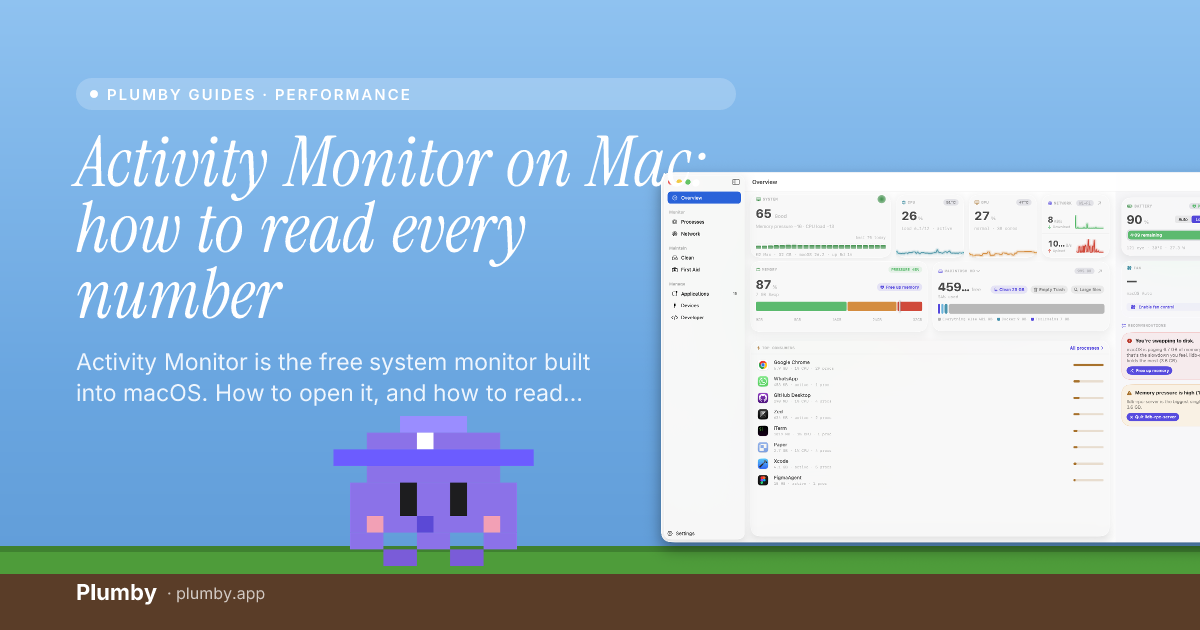
Activity Monitor on Mac: how to read every number
Activity Monitor is the free system monitor built into macOS. How to open it, and how to read the five tabs, including the numbers that look scary and aren't.


Comparison10 lug 20263 min read
An iStat Menus alternative that also acts on what it shows
Looking for an iStat Menus alternative? For pure sensor readouts, iStat Menus ($11.99) and Stats (free) are hard to beat. If you want live vitals plus the fix next to each one, here's the honest difference.


Performance10 lug 20264 min read
How to monitor CPU temperature on a Mac
macOS has no built-in CPU temperature readout. Here's how to check it on Apple silicon with powermetrics, what's a normal range, and why the process running hot matters more than the number.


Performance10 lug 20263 min read
How to see which app is using your network on a Mac
Find out what's using your Mac's network: Activity Monitor's Network tab for per-app data, nettop and lsof for live connections and hosts, and how to see which app is quietly phoning home.


Comparison10 lug 20264 min read
The best Mac menu-bar system monitor (honest picks for 2026)
The best Mac menu-bar system monitor depends on what you want: pure sensor detail (iStat Menus, Stats), a monitor-plus-cleaner suite (Sensei), or live vitals with the fix beside each one (Plumby). Honest picks, with prices.